
Installation
Supercharged plan users can integrate %product% with Intercom to communicate with their users and to add a docs search widget in their messenger home.

Setting up Intercom
- Click on Project Settings
in the sidebar to access Intercom settings under Integrations for Customers. - Click Connect. You'll be taken through a flow to install %product% app on Intercom.
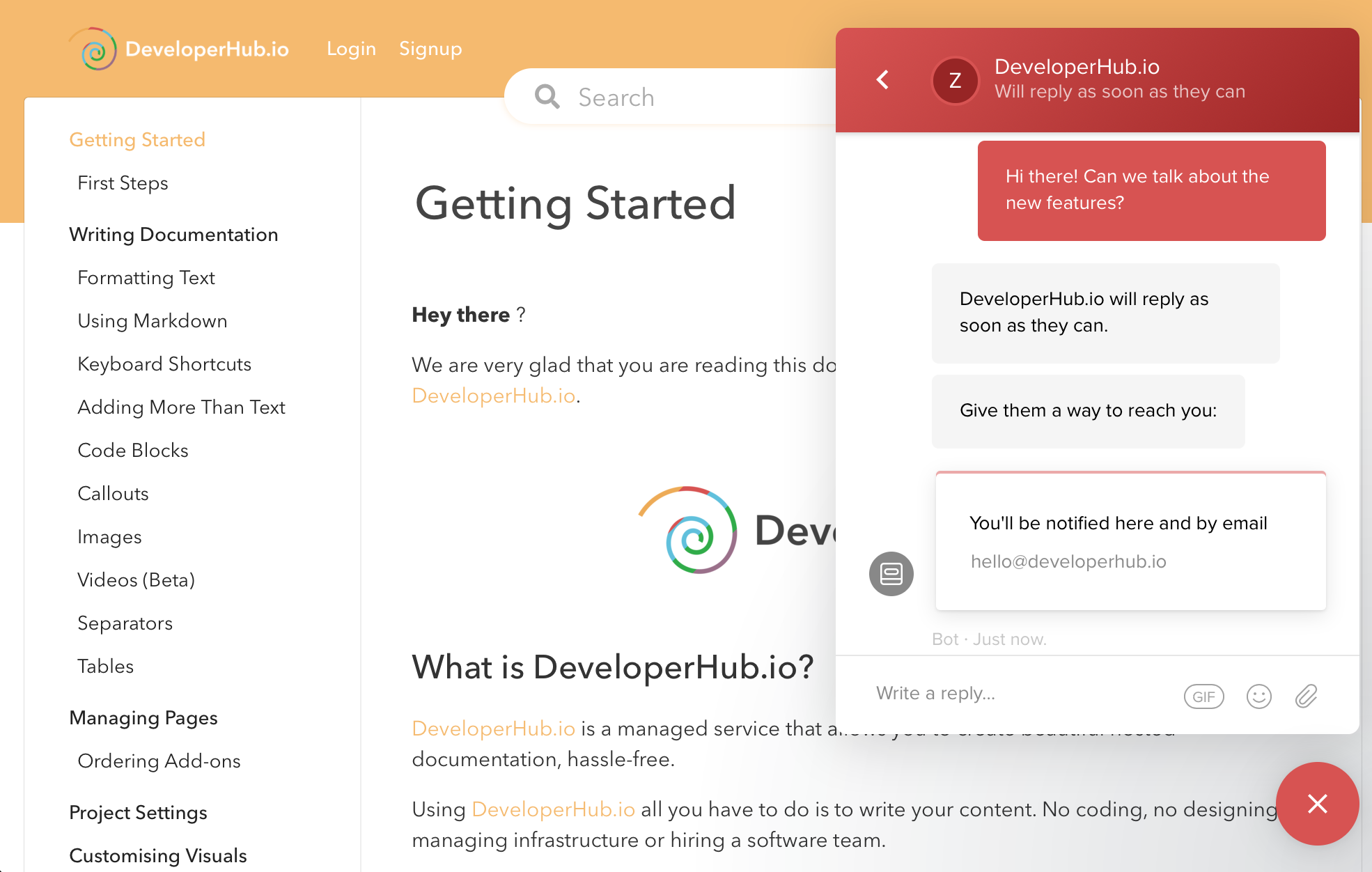
Intercom widget will now show on your published documentation.
Adding Search Widget
If you had installed Intercom on %product% before 12 Aug 2023, you need to contact us to add the search widget.
Intercom can only show widgets when using the default layout messenger, not the compact layout.
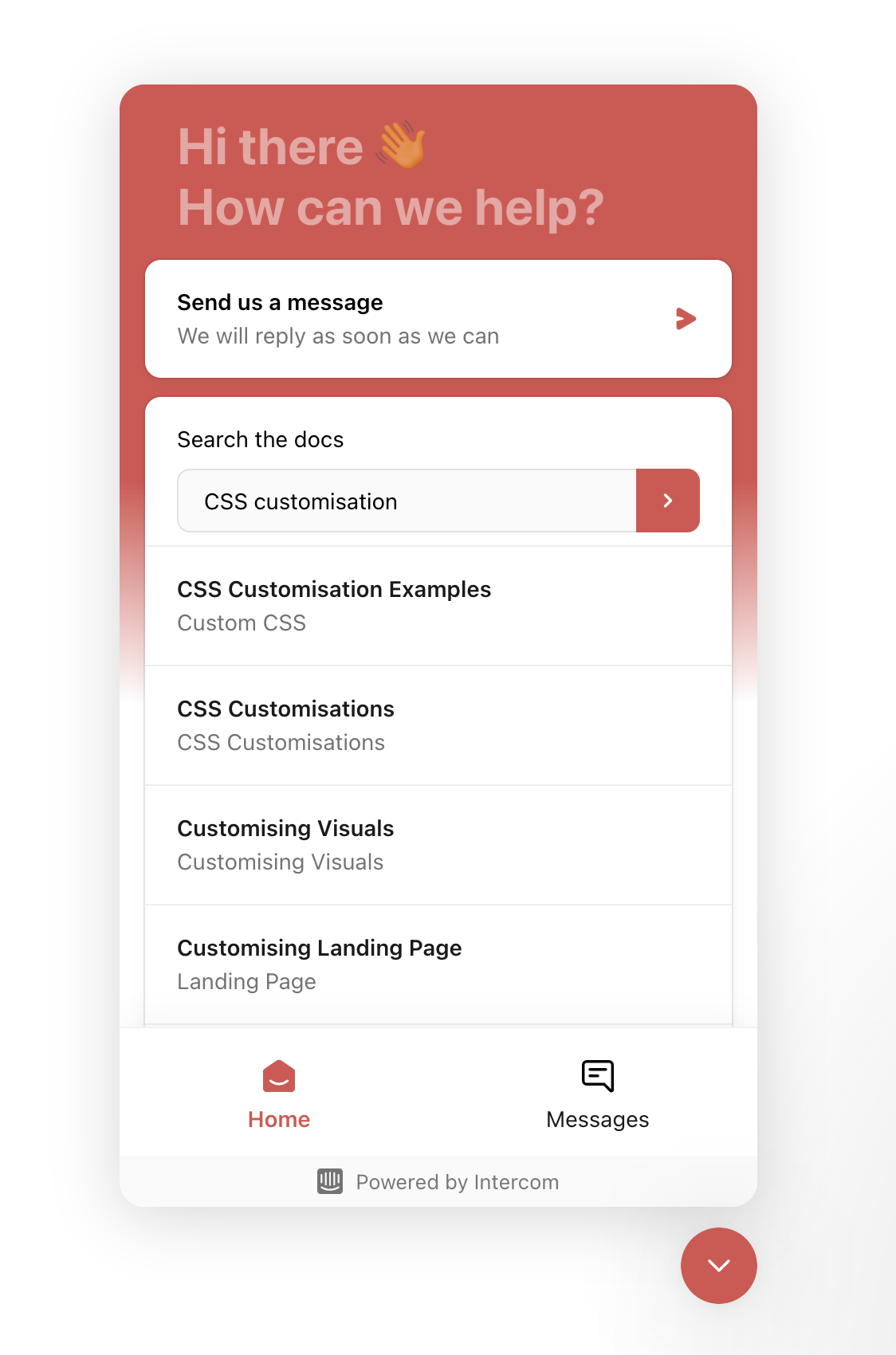
To add a %product% search widget to your messenger home, ensure that you first have set up Intercom, then:
- From Intercom's platform, click on Messenger & Omnichannel in the sidebar.
- Under Messenger, click on Manage Settings.
- Under Customise Home with apps, click on Add an app.
- Choose %product%.
- Change the card title if needed.
Changing Intercom Region or Settings
To apply your own intercomSettings, including if you wish to change the data region, then you can do so using Custom HEAD Tags. Add a script tag that assigns the intercomSettings needed, such as:
xxxxxxxxxx<script> window.intercomSettings = { api_base: "https://api-iam.eu.intercom.io" };</script>Was this page helpful?